
Send the work to the field. Get the completed record back.
Assign work orders to crews and capture what happened on site without paper forms or follow-up phone calls.
Try the Work Order AppOr customize it to your own workflow
We’ll use this app as a model and build yours from your description or file.
Give the technician one place to see the job.
A work order can include:
Customer
Location
Scheduled time
Work description
Priority
Instructions
Documents
Assigned technician or crew
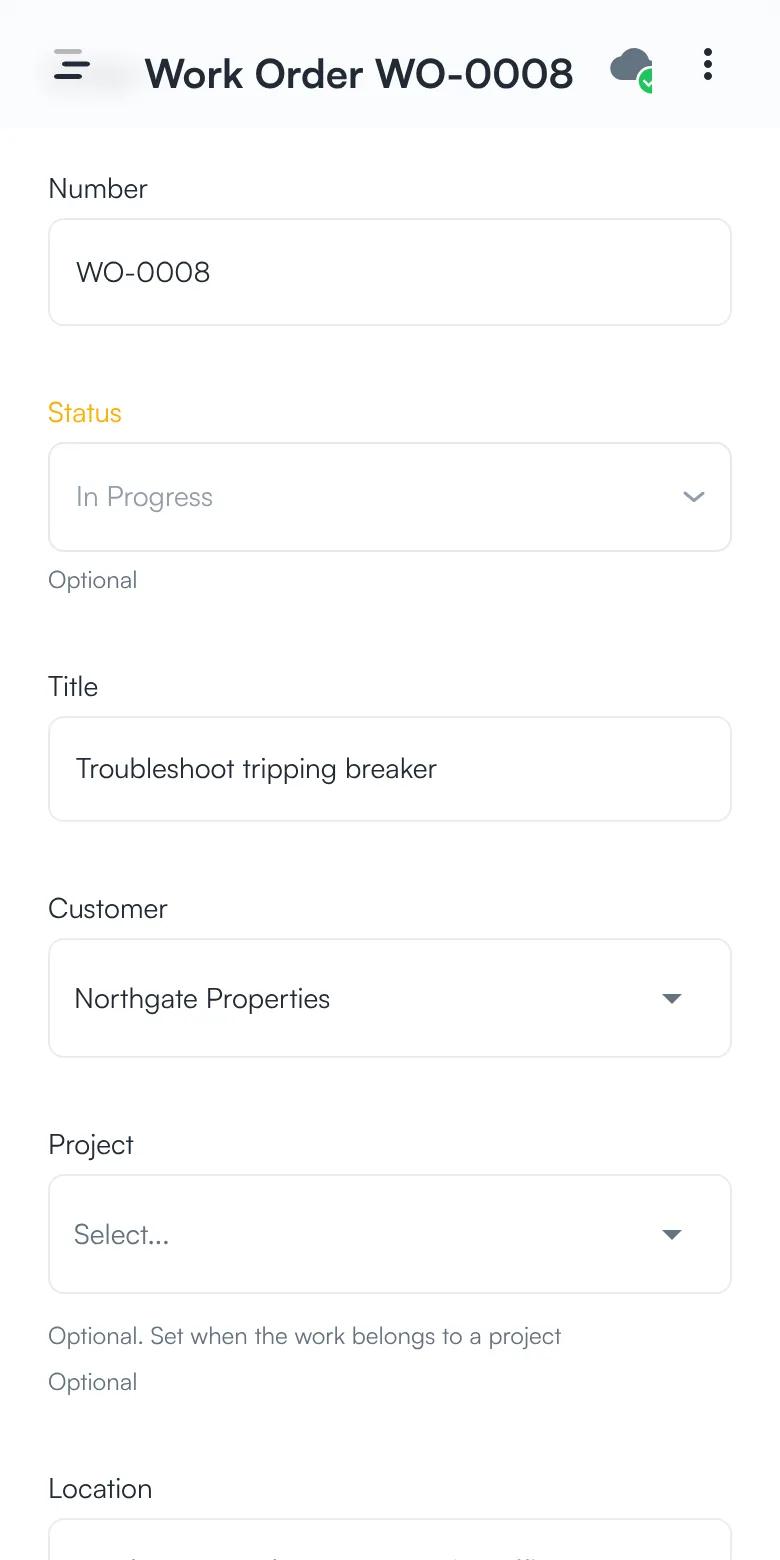
See the job the technician gets.
Give the technician one place to see the job.
Customer, location, priority, who it is assigned to, and when it is scheduled, all in one record. Buttons move it from assigned to in progress to complete.
Assigned → in progress → complete
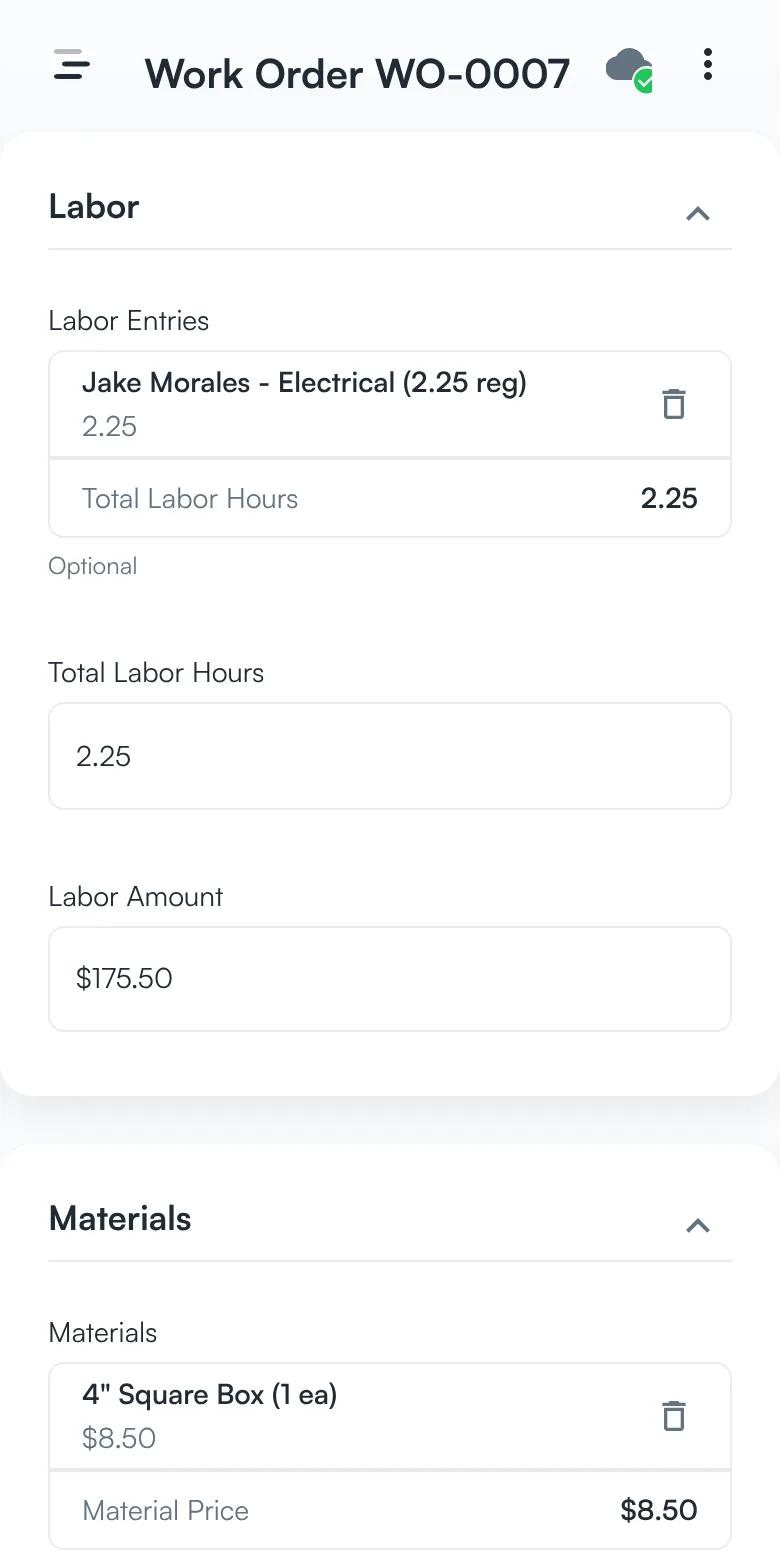
Record the labor and materials.
Add each person’s hours and the materials used. Labor is priced from each person’s billing rate, and materials at the price charged to the customer.
Labor hours → materials → what the customer is charged
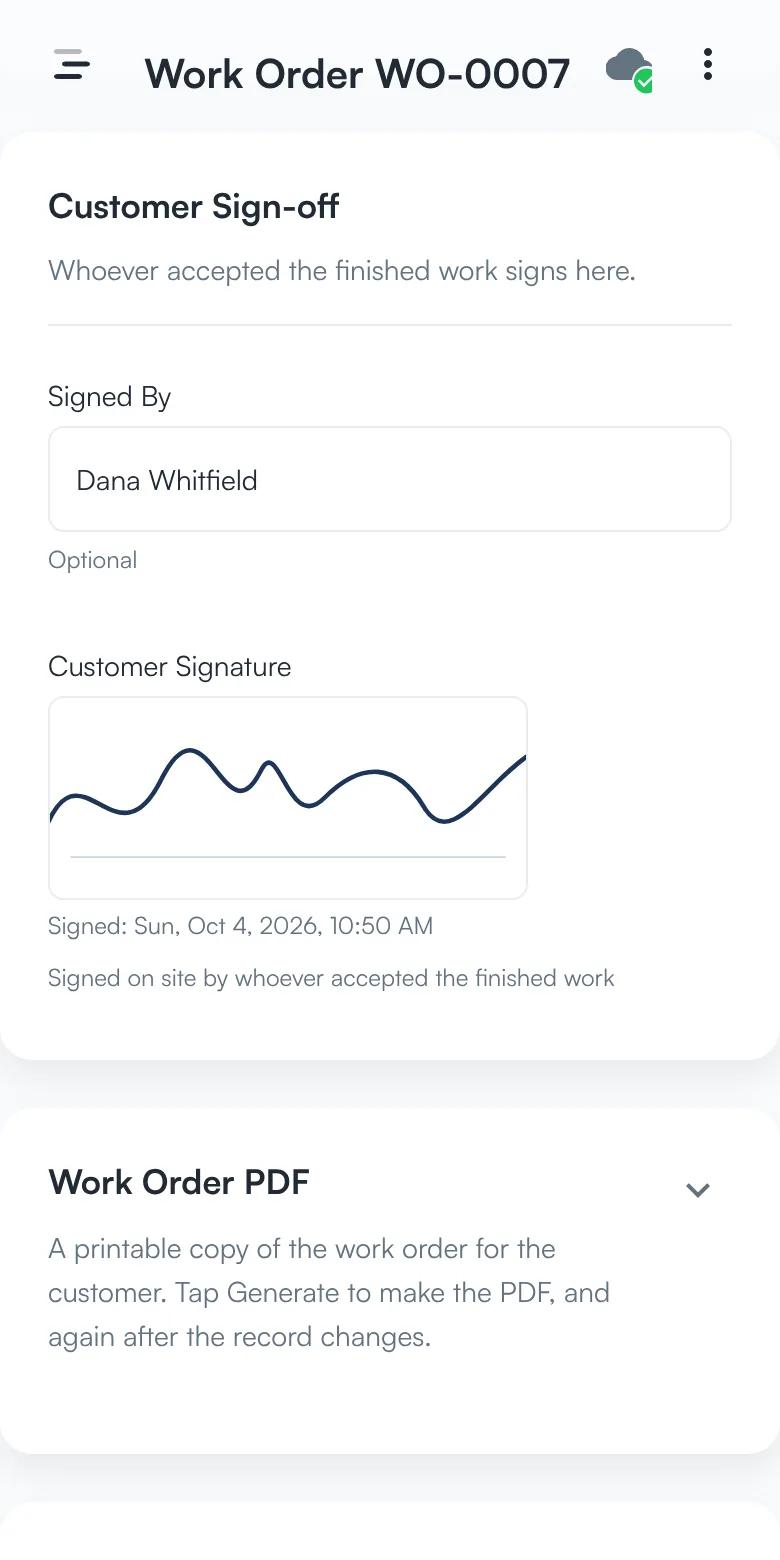
Get the customer to sign off.
The customer signs on the phone when the work is done, with the name of whoever signed. The signature prints on the work order PDF.
Signed by → customer signature → PDF
Screens from the app, with sample data.
Record what happened.
During the visit, the technician can add:
Start and finish time
Labor
Materials
Equipment
Photos
Notes
Issues
Completion status
Customer signature
Keep the office updated.
Instead of asking “Did that job get finished?” the office can see:
- Assigned
- In Progress
- Complete
…along with the field record behind the status.
Adapt it to the work you perform.
The same foundation can support:
HVAC service
Electrical service
Plumbing
Fire protection
Equipment repair
Low-voltage installation
Commercial maintenance
The fields and completion requirements can change without rebuilding the entire application.